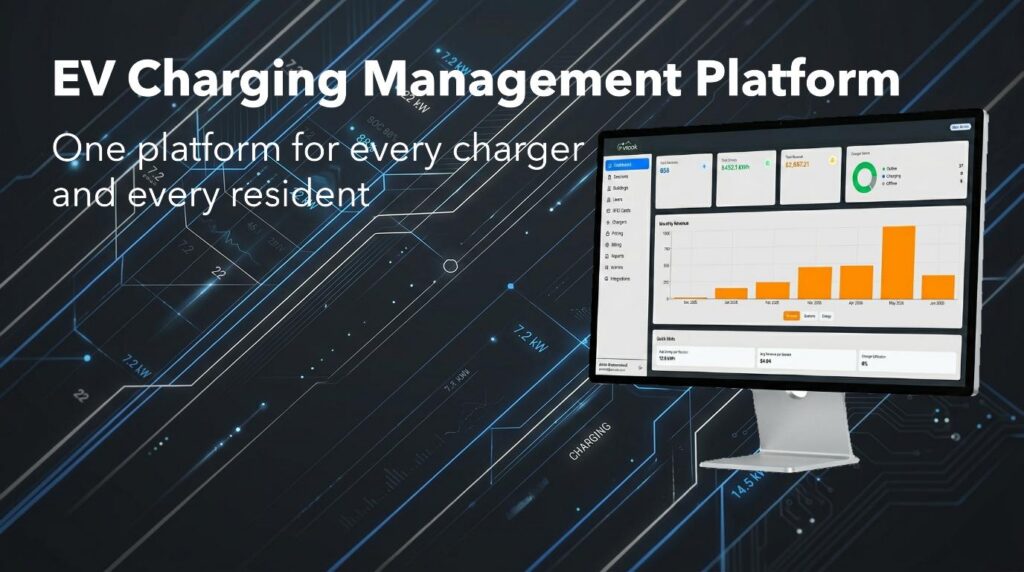
EVEMS — Electric Vehicle Energy Management System — is the software platform that powers every EV Nook installation. Built in-house and purpose-designed for multifamily buildings, it handles the full stack: real-time communication with every charger, dynamic load management across the building’s electrical capacity, resident billing, and remote monitoring — all from a single cloud-based platform. There is no third-party software between EV Nook and your building’s charging infrastructure.
What makes EVEMS different is that it was designed around a specific problem: how do you add 20, 30, or 50 EV chargers to a building that wasn’t built for them — without a $500,000 electrical upgrade? The answer is intelligent load management. EVEMS monitors the building’s available electrical capacity in real time and distributes power across active chargers dynamically, so every resident gets a meaningful charge every night without ever tripping a breaker. The result is a building that can support far more EVs than its electrical panel was originally designed for — at a fraction of the cost of traditional infrastructure expansion. (Learn more about Load Management here)
Load & Energy Management
- Dynamic load balancing at the breaker level — automatically distributes available amperage across active chargers to prevent trips
- Phase balancing at the building level — monitors and balances load across all three electrical phases for optimal power distribution
- Real-time building electrical capacity monitoring — chargers respond instantly to changes in building demand
- Supports large-scale deployments without costly electrical panel upgrades
Charger Management
- Full OCPP 1.6 compliance — works with any OCPP-compatible charger
- Remote start, stop, and reset of any charger from the admin dashboard
- Real-time charger status monitoring across all units in the building
- Automatic fault detection and alerting
- Over-the-air charger configuration and updates
Resident & Access Management
- Per-resident charger assignment — each resident owns their stall in the system
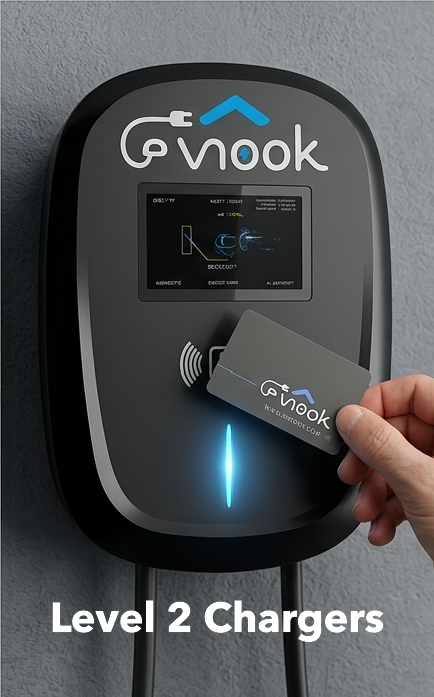
- RFID card provisioning and management
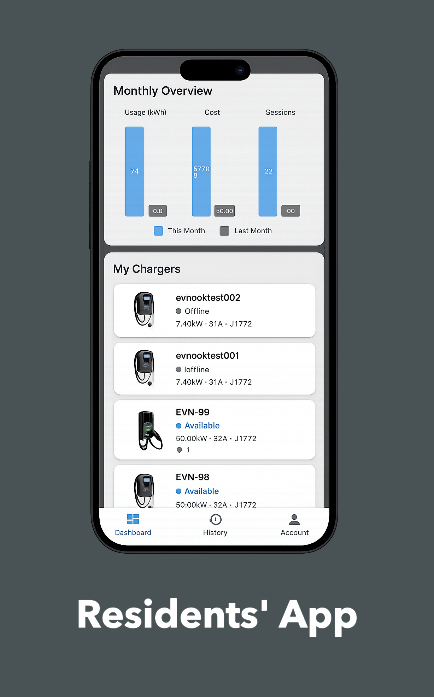
- Mobile app access for all residents
- Self-serve account and payment setup — no admin involvement required
Billing Flexibility
- Per-kWh pricing — residents pay exactly for what they consume
- Fixed monthly rate — predictable flat fee regardless of usage
- Combined plans — fixed base rate plus per-kWh overage
- Time-of-use pricing — different rates at peak vs. off-peak hours
- Per-building pricing configuration — different buildings can run different pricing schemes simultaneously
- Automatic monthly billing via Stripe — zero manual invoicing
Integrations
- Stripe — primary payment processing for resident billing; handles card storage, automatic monthly charges, and payment failure recovery securely
- Float — alternative payment processing option for buildings or operators who prefer Float’s payment infrastructure
- HubSpot — CRM integration for building and resident contact management; keeps operator records automatically in sync with the platform
Admin Dashboard
- Real-time overview of all buildings, chargers, and active sessions
- Full session history and energy reports per building, per charger, or per resident
- Revenue and billing reports
- Multi-building management from a single login
Frequently Asked Questions
Does EVEMS work with any charger brand? EVEMS communicates over OCPP 1.6 — the industry-standard protocol for EV chargers. Any charger that supports OCPP 1.6 can connect to the platform. EV Nook installations use the TopStar G2.5 and Autel MaxiCharger AC Pro as standard, but the platform is not locked to a specific brand.
How does load balancing work in practice? When a new charging session starts, EVEMS automatically adjusts the output of all active chargers to share the available capacity equally — no breakers trip, no manual intervention needed. As sessions end and capacity frees up, remaining chargers are automatically given more power. Residents rarely notice the adjustment.
What happens during a power demand spike in the building? EVEMS monitors building-level consumption in real time. If the building approaches its electrical limit — due to elevators, HVAC, or other loads — charging speeds are temporarily reduced across active sessions to protect the panel. Once demand normalizes, charging resumes at full capacity automatically.
Can different buildings have different pricing? Yes. Each building is configured independently. One building can run per-kWh billing, another a fixed monthly plan, and a third a combined rate — all managed from the same admin dashboard simultaneously.
Is there a resident-facing app? Yes — the EV Nook app is available on Android and iOS. Residents can start and stop sessions, monitor real-time charging data, view session history, and manage billing entirely from their phone. Learn more about the EV Nook app →
Explore Our Integrated EV Charging Platform