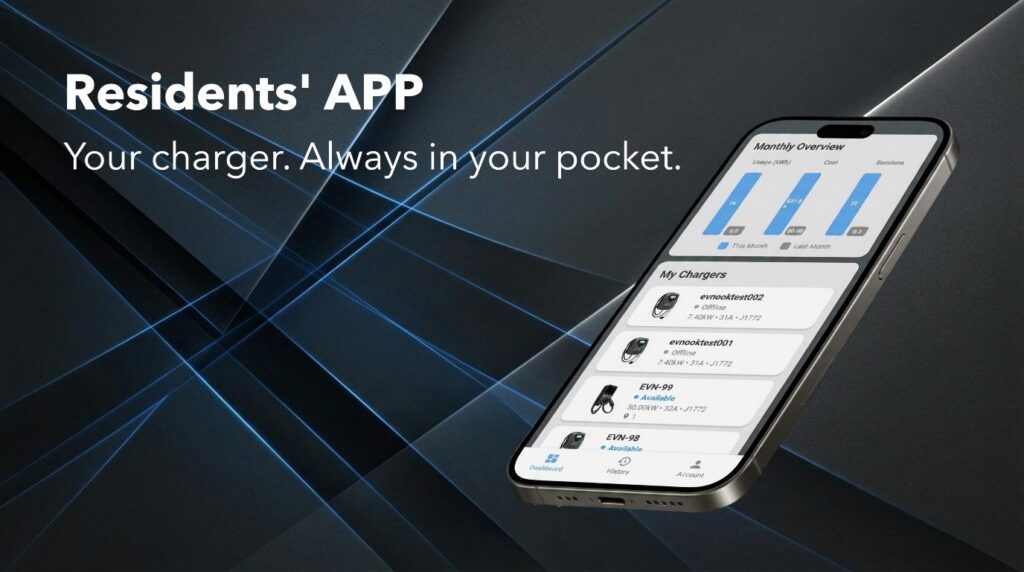
Most EV charging apps for apartments are built around public networks — you open the app, find a station nearby, scan a QR code, and hope it works. The EV Nook app works differently. Because your charger is assigned to you at installation, it appears in your app automatically. Open the app, tap your charger, start charging. No scanning, no searching, no shared queues.
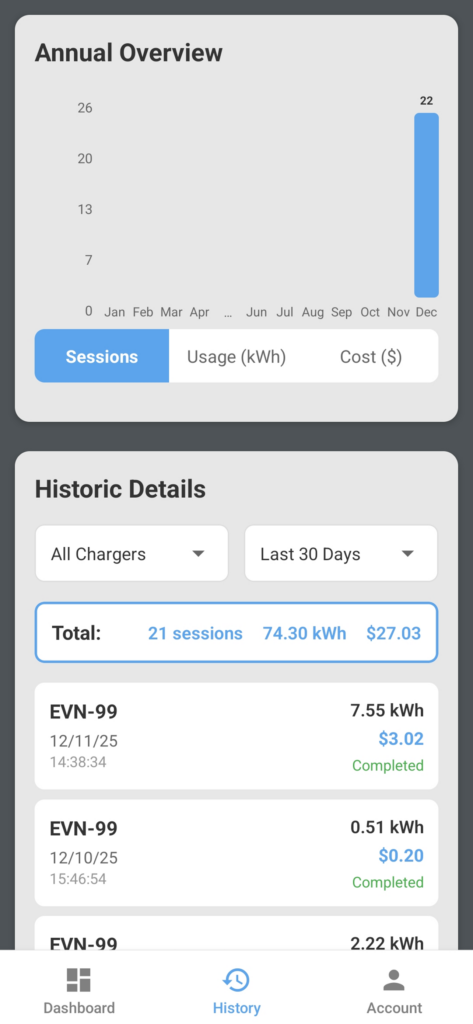
This matters more than it sounds. Your parking stall is yours — your charger should feel the same way. Through the app you can start and stop sessions remotely, monitor real-time charging status including energy consumed and current draw, view your full session history, and manage your account and billing — all from your phone. RFID card access is also available for those who prefer it, but the app puts everything in one place: your charger, your data, your control.
Download the EV Nook app — free on Android and iOS.

Your Charger, Your App
- Your assigned charger appears in the app automatically — no QR code scanning required
- Start and stop charging sessions remotely from anywhere
- Works with both app activation and RFID card — your choice every time
Real-Time Visibility
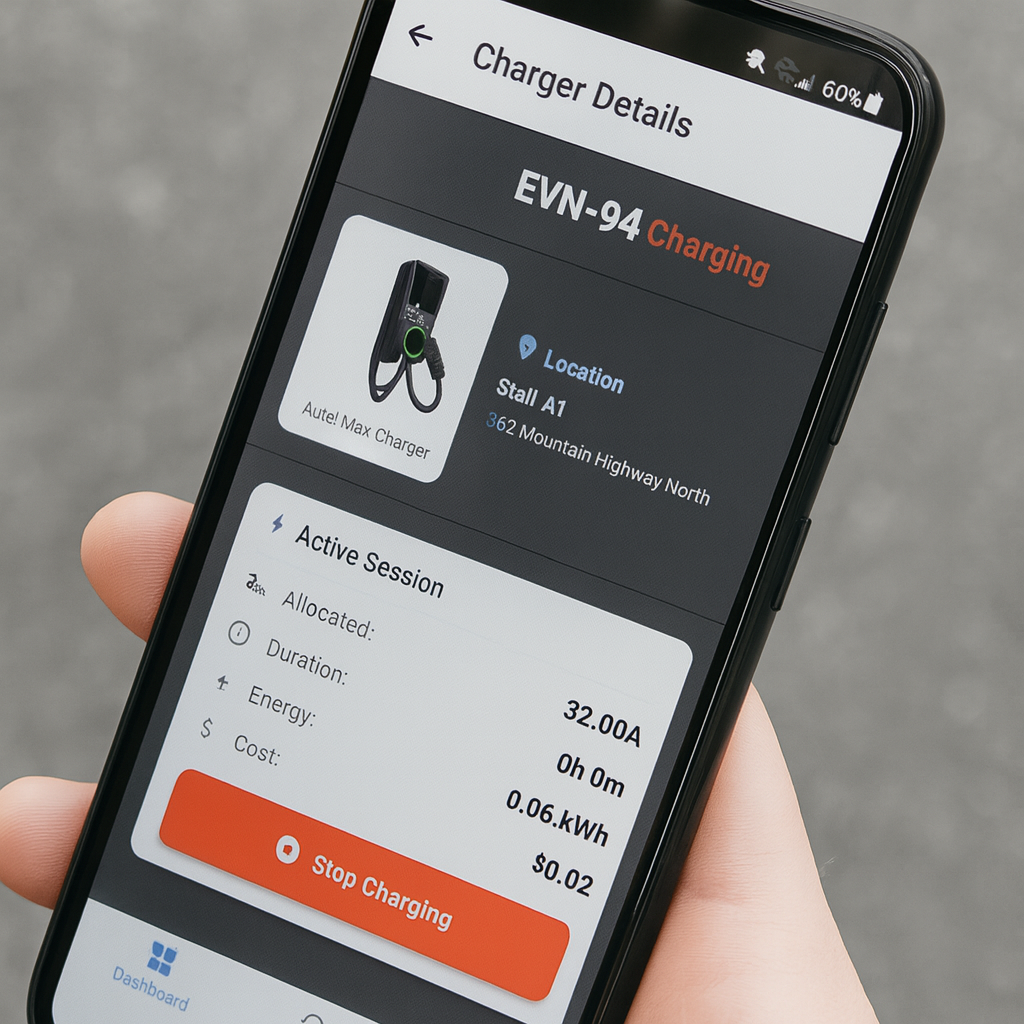
- Live session status — see exactly what your charger is doing right now
- Real-time energy consumption (kWh), current draw (A), and session duration
- Instant notification when your vehicle is fully charged
Session History & Billing
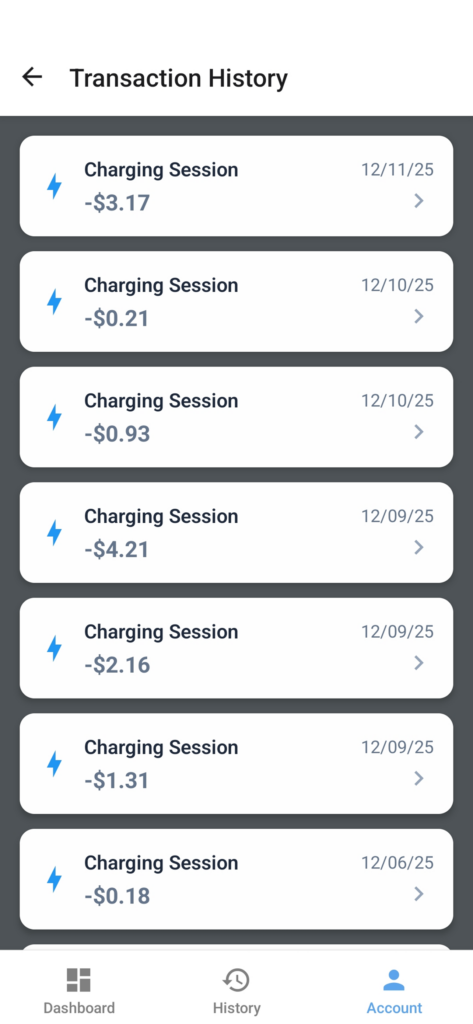
- Full charging session history with energy and cost per session
- Transparent per-kWh billing — you only pay for what you use
- Billing managed through secure Stripe payment processing
- Account and payment method management in-app
Building-Aware
- Designed for multifamily buildings — works seamlessly within EVEMS load management
- Your charging speed automatically adjusts when other residents are charging, without interrupting your session
- No impact on building electrical capacity
Availability
- The leading EV charging app for apartments across BC — available on Android and iOS
- Supports all EV Nook-managed buildings across BC
Frequently Asked Questions
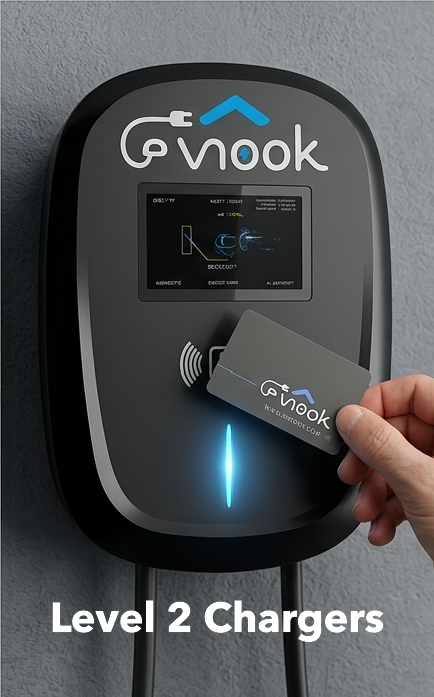
Do I need the app to charge? No — every EV Nook charger also supports RFID card activation. Simply tap your card to start and stop your session. The app is the more convenient option since it gives you full visibility into your usage and billing, but it’s never a requirement.
Is my payment information secure? Yes. All payments are processed through Stripe, one of the world’s most trusted payment platforms. EV Nook never stores your credit card information directly — it is held securely by Stripe and never exposed to us or anyone else.
The app shows my charger automatically — how does that work? When EV Nook installs charging equipment in your building, your parking stall and charger are registered to your account during setup. There’s nothing to scan or configure — your charger is simply there when you log in for the first time.
What if my building doesn’t have EV Nook yet? The EV Nook app works exclusively with EV Nook-managed buildings. If your building doesn’t have EV Nook installed yet, talk to your strata council — installation is at zero cost to the strata.
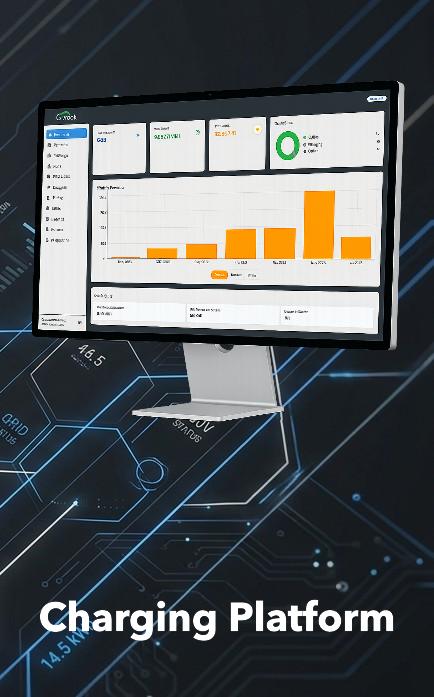
Explore Our Integrated EV Charging Platform